Django Tutorial · Admin
Update Members
Learn all about Update Members in this comprehensive tutorial.
5 min read intermediate
- •Now we are able to create, update, and delete members in our database, and we start by giving them all a date for when they became members.
Update Members
Now we are able to create, update, and delete members in our database, and we start by giving them all a date for when they became members.
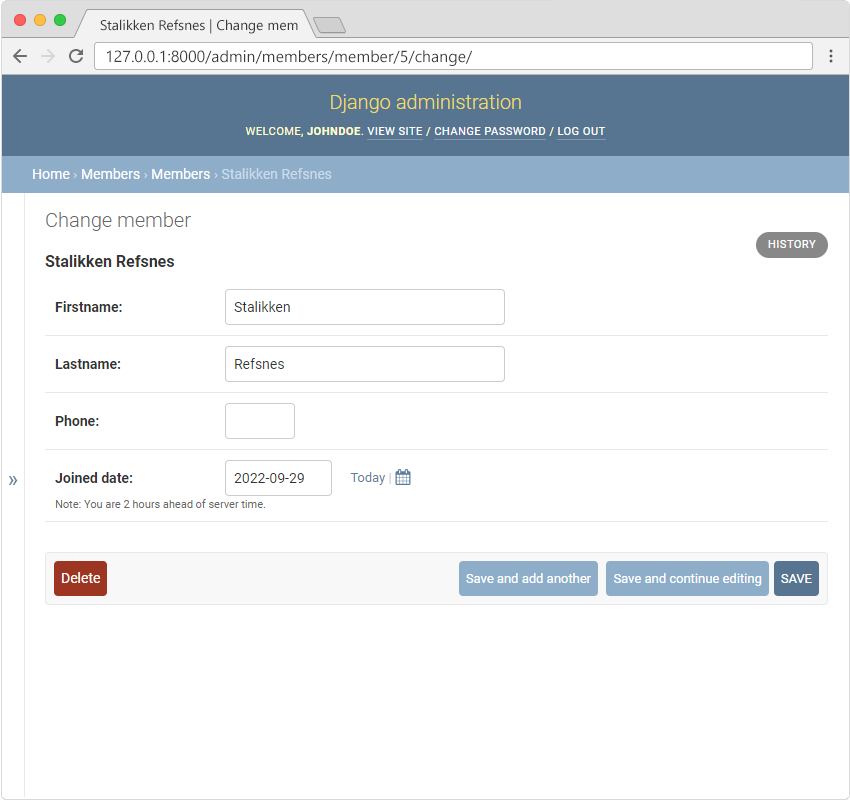
Click the first member, Stalikken, to open the record for editing, and give him a joined_date:
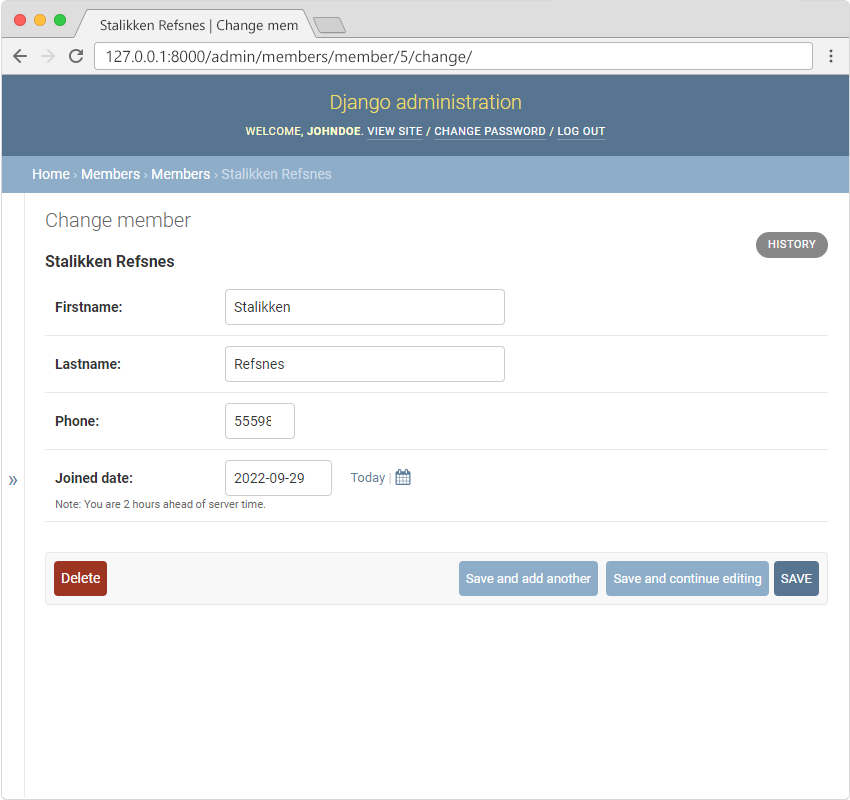
While we are in here, let us give him a phone number as well:
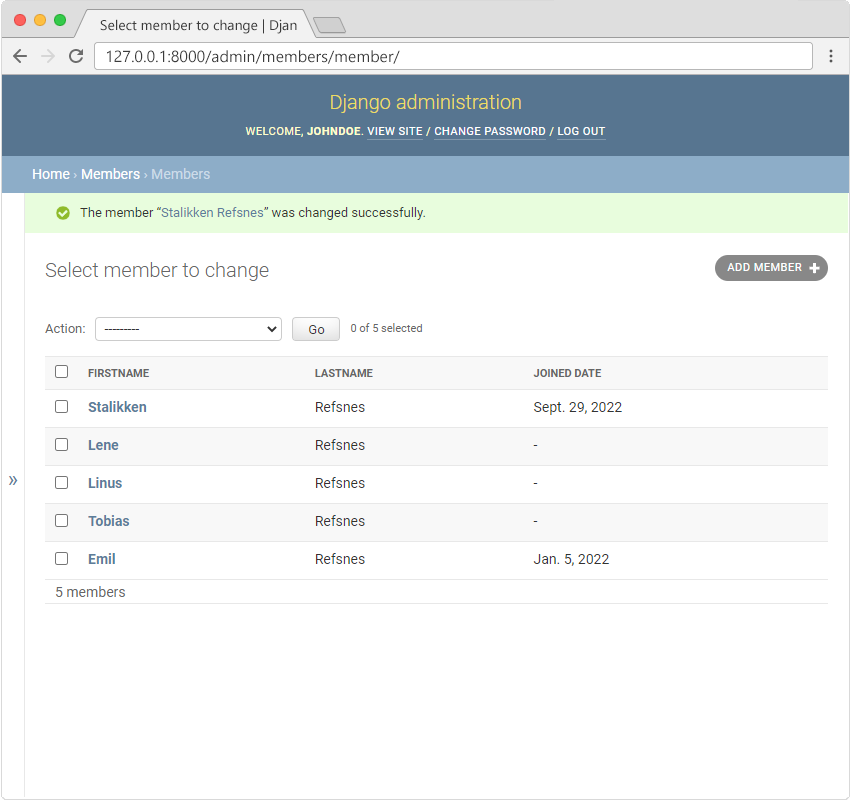
Click "SAVE" and go back to the list of all members:
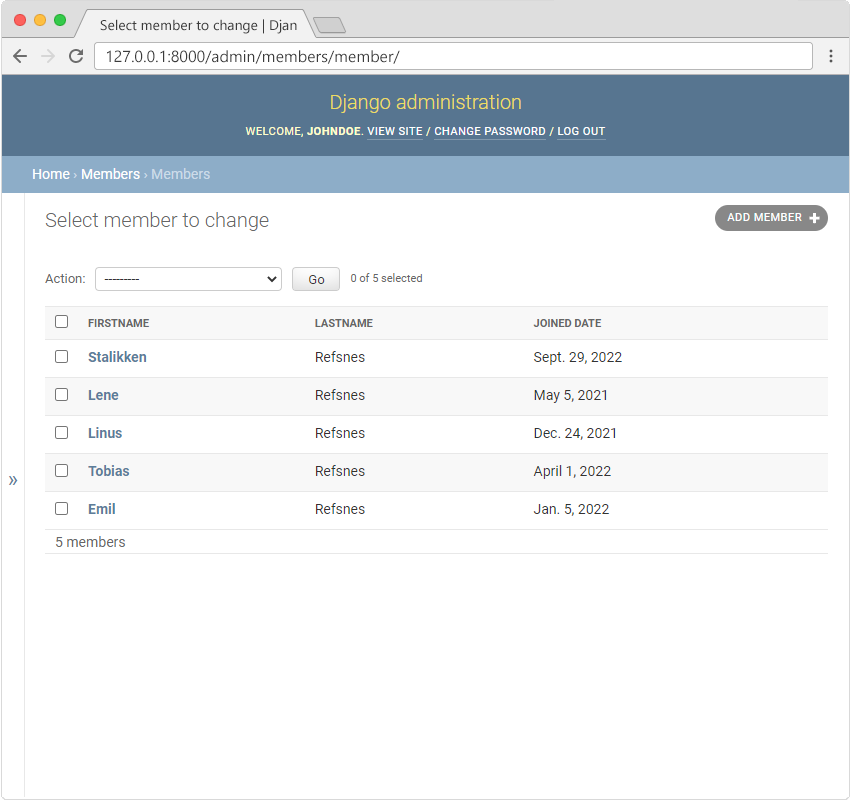
Repeat these steps and give all members a date and a phone number, and end up with a list like this:
Module quiz
Test your knowledge on this module
5 questions