Set List Display
Learn all about Set List Display in this comprehensive tutorial.
- •When you display a Model as a list, Django displays each record as the string representation of the record object, which in our case is "Member object (1)", "Member object(2)" etc.
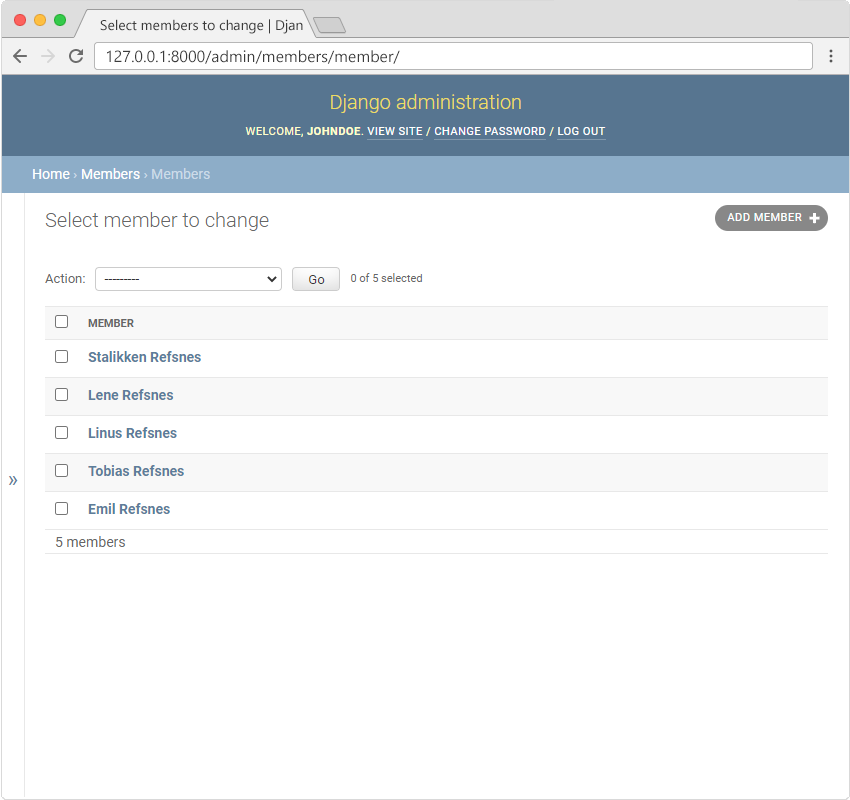
- •To change the string representation, we have to define the __str__() function of the Member Model in models.
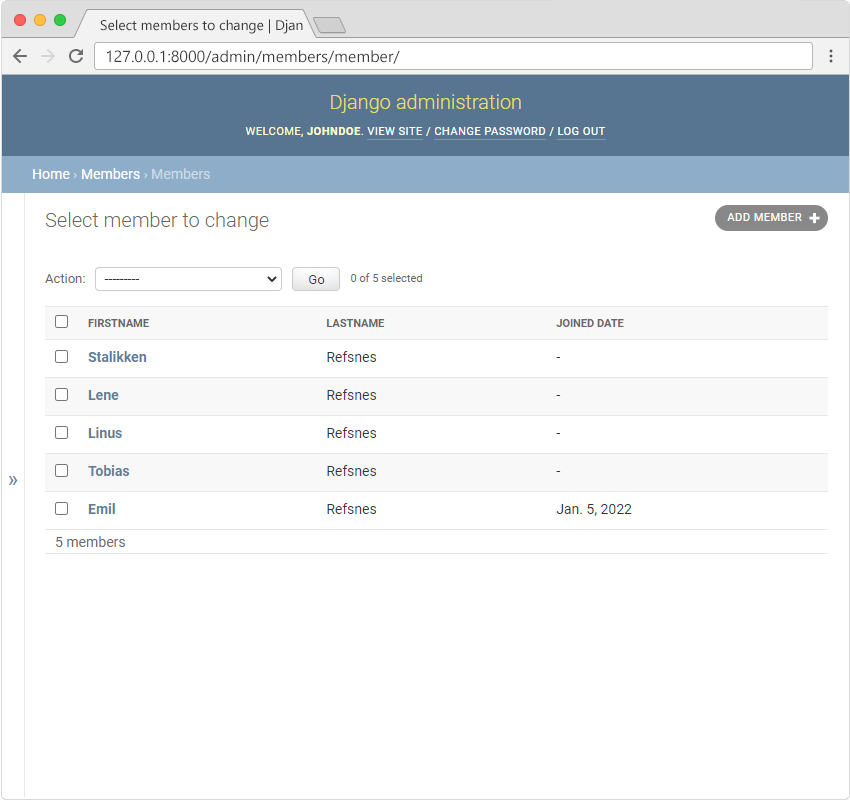
- •We can control the fields to display by specifying them in a list_display property in the admin.
Make the List Display More Reader-Friendly
When you display a Model as a list, Django displays each record as the string representation of the record object, which in our case is "Member object (1)", "Member object(2)" etc.:
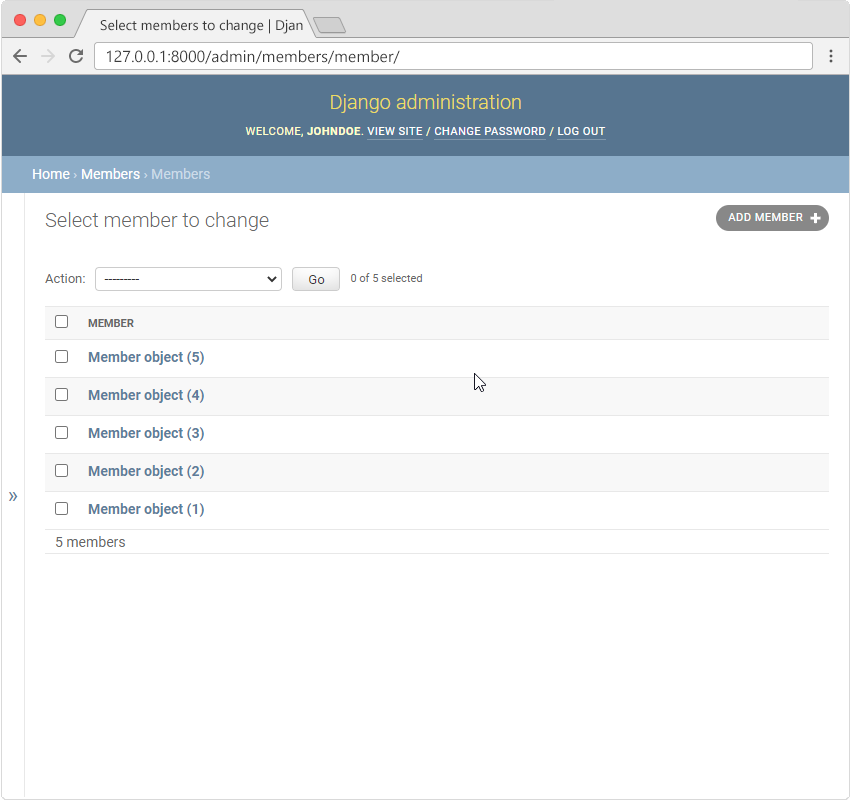
To change this to a more reader-friendly format, we have two choices:
- Change the string representation function, __str__() of the Member Model
- Set the list_display property of the MemberAdmin class
Change the String Representation Function
To change the string representation, we have to define the __str__() function of the Member Model in models.py, like this:
Which gives us this result:
Set list_display
We can control the fields to display by specifying them in a list_display property in the admin.py file.
First create a MemberAdmin() class and specify the list_display tuple, like this:
Remember to add the MemberAdmin as an argumet in the admin.site.register(Member, MemberAdmin).
Now go back to the browser and you should get this result:
Module quiz
Test your knowledge on this module