Django Tutorial · Admin
Add Members
Learn all about Add Members in this comprehensive tutorial.
5 min read intermediate
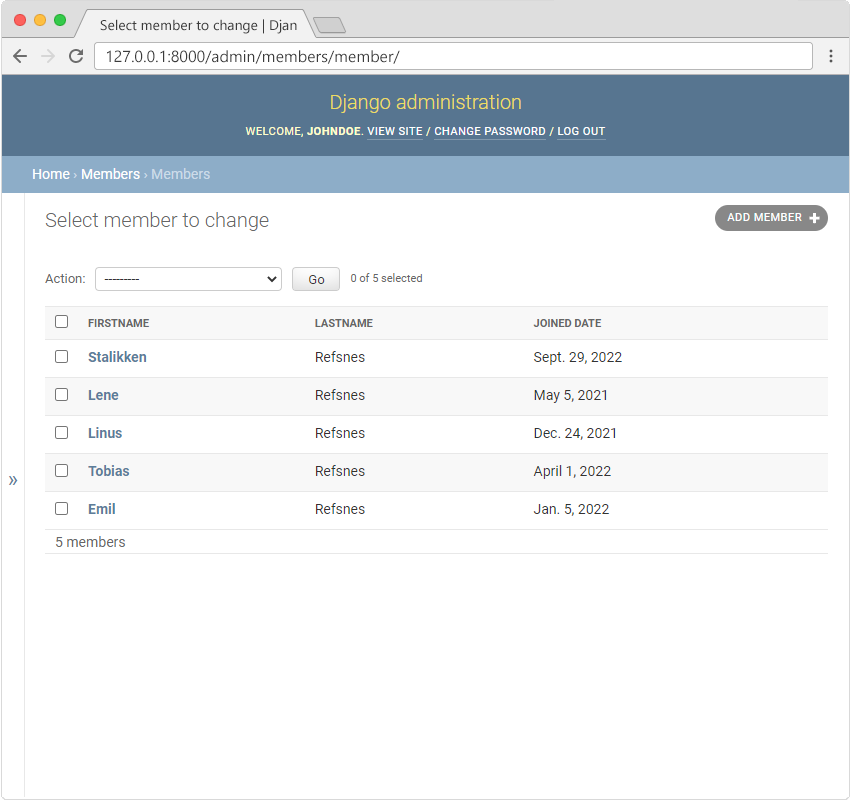
- •To add a new member, click on the "ADD MEMBER" button in the top right corner:
Add Members
To add a new member, click on the "ADD MEMBER" button in the top right corner:
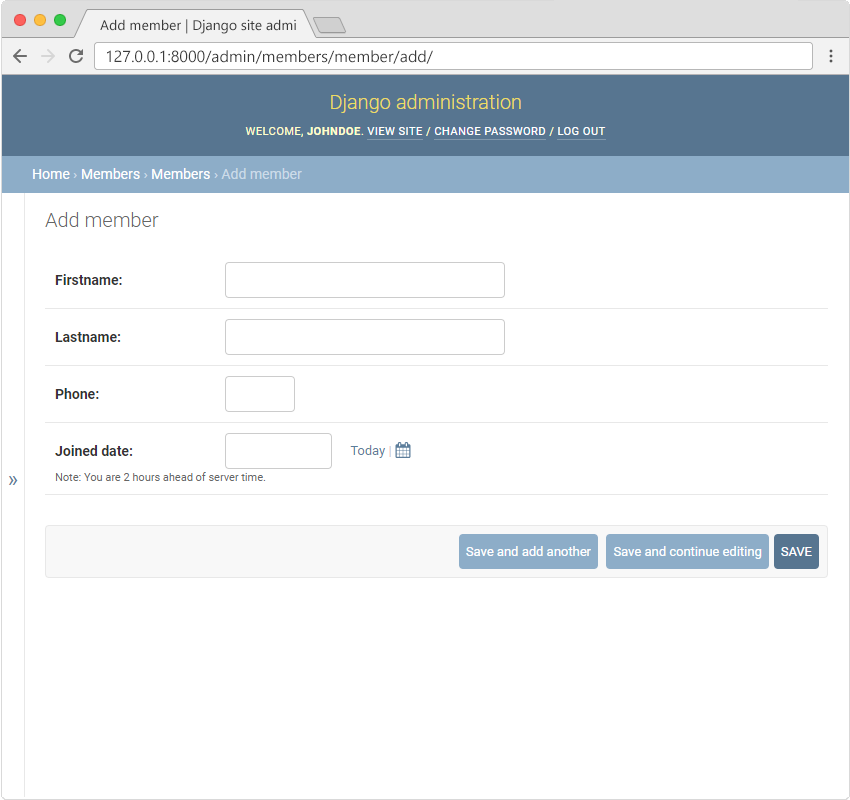
You will get an empty form where you can fill in the members fields:
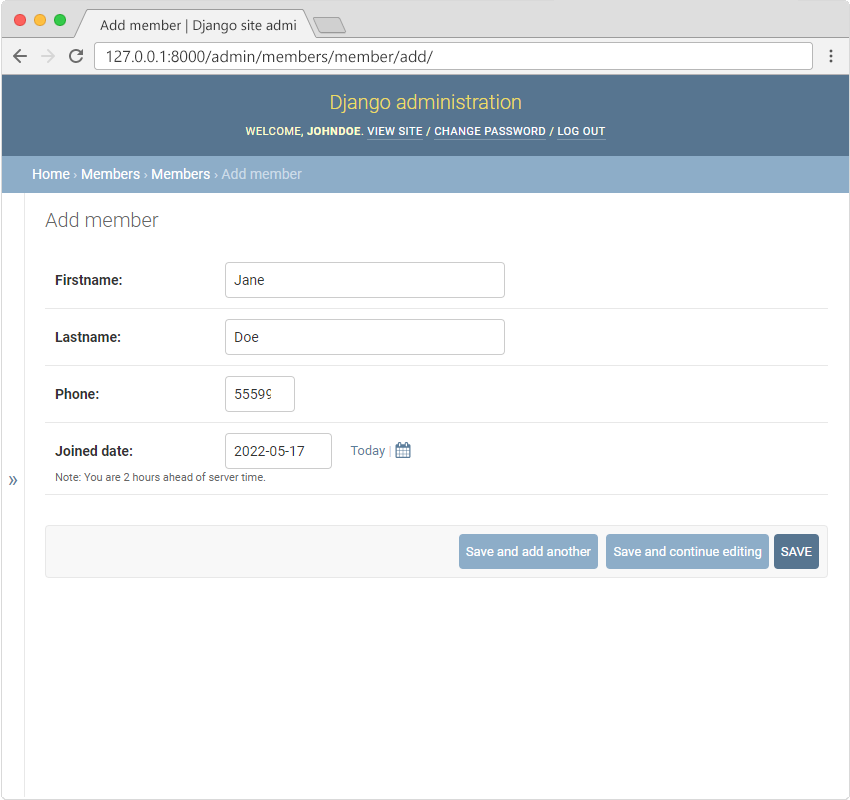
Fill in the fields and click "SAVE":
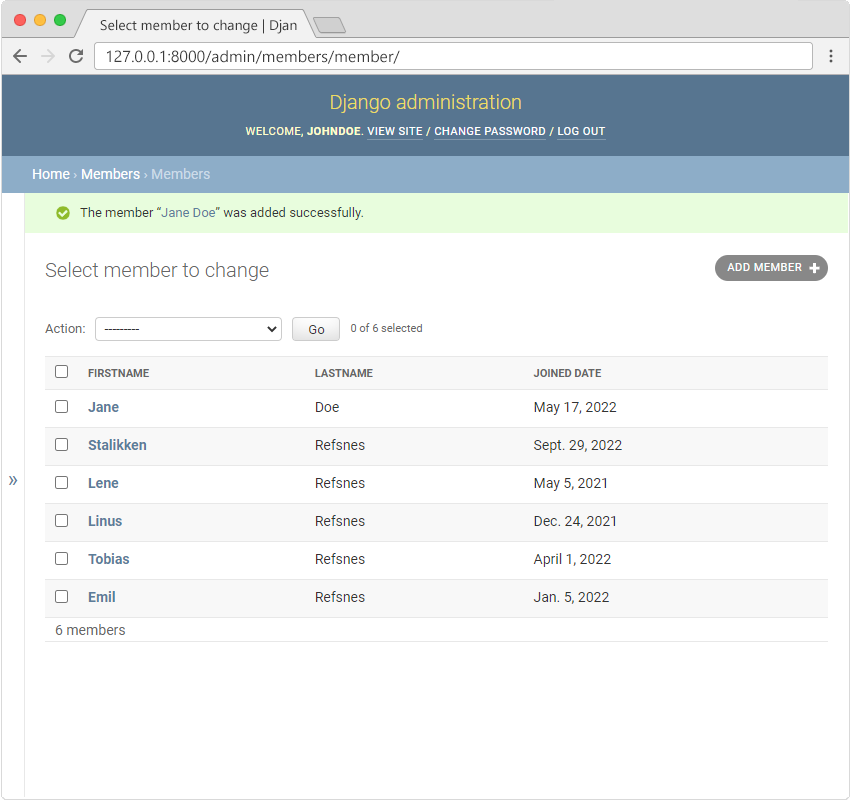
Now the Members Model have 6 members:
Module quiz
Test your knowledge on this module
5 questions