Django URLs
Learn all about Django URLs in this comprehensive tutorial.
- •Create a file named urls.
URLs
Create a file named urls.py in the same folder as the views.py file, and type this code in it:
The urls.py file you just created is specific for the members application. We have to do some routing in the root directory my_tennis_club as well. This may seem complicated, but for now, just follow the instructions below.
There is a file called urls.py on the my_tennis_club folder, open that file and add the include module in the import statement, and also add a path() function in the urlpatterns[] list, with arguments that will route users that comes in via 127.0.0.1:8000/.
Then your file will look like this:
If the server is not running, navigate to the /my_tennis_club folder and execute this command in the command prompt:
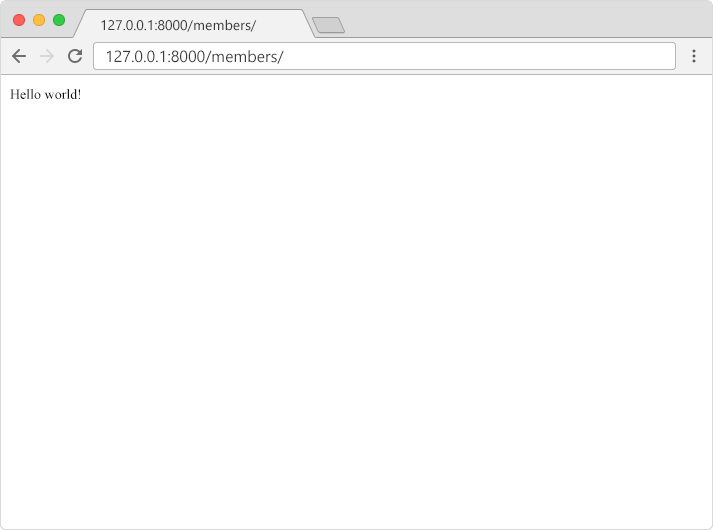
In the browser window, type 127.0.0.1:8000/members/ in the address bar.
Module quiz
Test your knowledge on this module