Django Create Project
Learn all about Django Create Project in this comprehensive tutorial.
- •Once you have come up with a suitable name for your Django project, like mine: my_tennis_club, navigate to where in the file system you want to store the code (in the virtual environment), I will navigate to the myworld folder, and run this command in the command prompt:
- •Now that you have a Django project, you can run it, and see what it looks like in a browser.
- •We have a Django project!
My First Project
Once you have come up with a suitable name for your Django project, like mine: my_tennis_club, navigate to where in the file system you want to store the code (in the virtual environment), I will navigate to the myworld folder, and run this command in the command prompt:
Django creates a my_tennis_club folder on my computer, with this content:
These are all files and folders with a specific meaning, you will learn about some of them later in this tutorial, but for now, it is more important to know that this is the location of your project, and that you can start building applications in it.
Run the Django Project
Now that you have a Django project, you can run it, and see what it looks like in a browser.
Navigate to the /my_tennis_club folder and execute this command in the command prompt:
Which will produce this result:
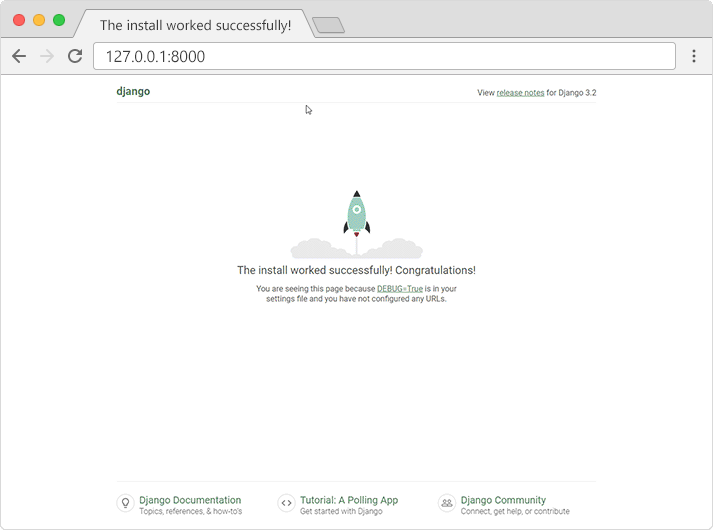
Open a new browser window and type 127.0.0.1:8000 in the address bar.
The result:
What's Next?
We have a Django project!
The next step is to make an app in your project.
You cannot have a web page created with Django without an app.
Module quiz
Test your knowledge on this module