Django Templates
Learn all about Django Templates in this comprehensive tutorial.
- •In the Django Intro page, we learned that the result should be in HTML, and it should be created in a template, so let's do that.
- •Open the views.
- •To be able to work with more complicated stuff than "Hello World!
Templates
In the Django Intro page, we learned that the result should be in HTML, and it should be created in a template, so let's do that.
Create a templates folder inside the members folder, and create a HTML file named myfirst.html.
The file structure should be like this:
Open the HTML file and insert the following:
Modify the View
Open the views.py file in the members folder, and replace its content with this:
Change Settings
To be able to work with more complicated stuff than "Hello World!", We have to tell Django that a new app is created.
This is done in the settings.py file in the my_tennis_club folder.
Look up the INSTALLED_APPS[] list and add the members app like this:
Then run this command:
Which will produce this output:
Start the server by navigating to the /my_tennis_club folder and execute this command:
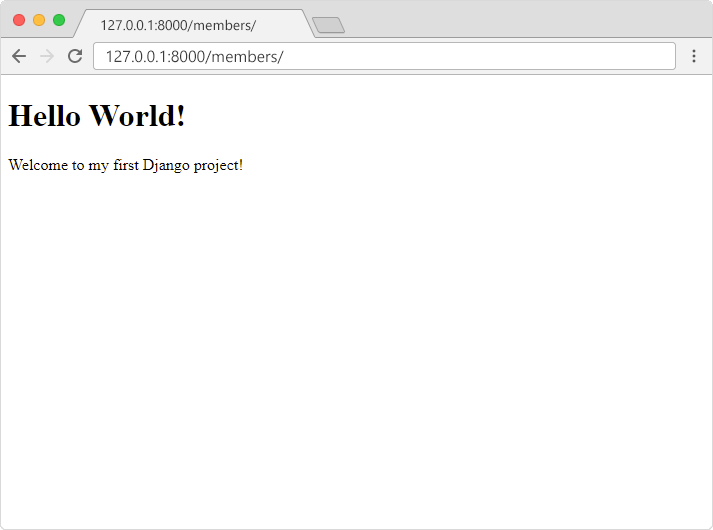
In the browser window, type 127.0.0.1:8000/members/ in the address bar.
The result should look like this:
Module quiz
Test your knowledge on this module