Create AWS Account
Learn all about Create AWS Account in this comprehensive tutorial.
- •There are many providers out there that can host Django projects and PostgreSQL databases.
- •Go to aws.
- •Once you have created an AWS account, it is time to sign in for the first time:
- •If this is your first time you sign into your AWS account, you will be directed to the AWS Console Home page:
- •Once you have an AWS account, you can start creating a database.
Why AWS?
There are many providers out there that can host Django projects and PostgreSQL databases.
In this tutorial we will use the Amazon Web Services (AWS) platform, mainly because they offer a free solution that can host both Django projects and PostgreSQL databases. All you need is an AWS account.
AWS
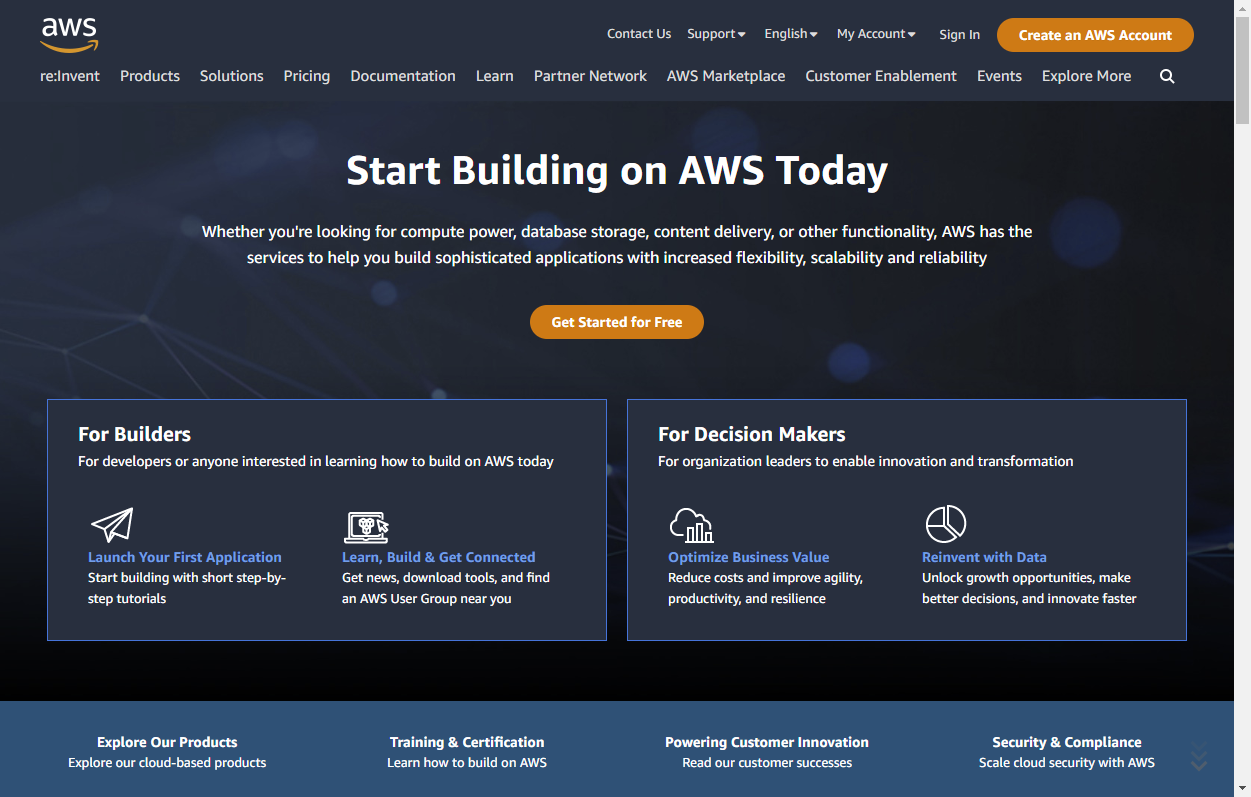
Go to aws.amazon.com, and create an account:
Sign In
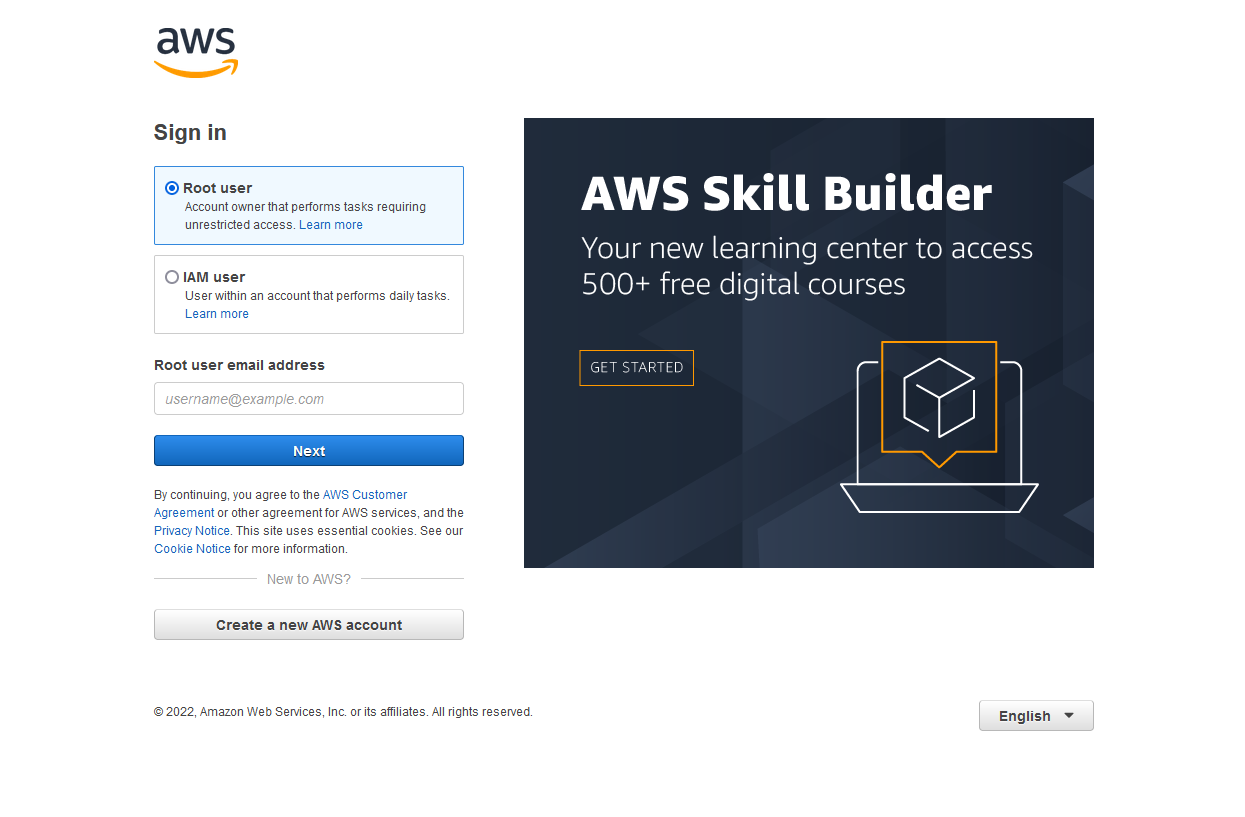
Once you have created an AWS account, it is time to sign in for the first time:
AWS Console
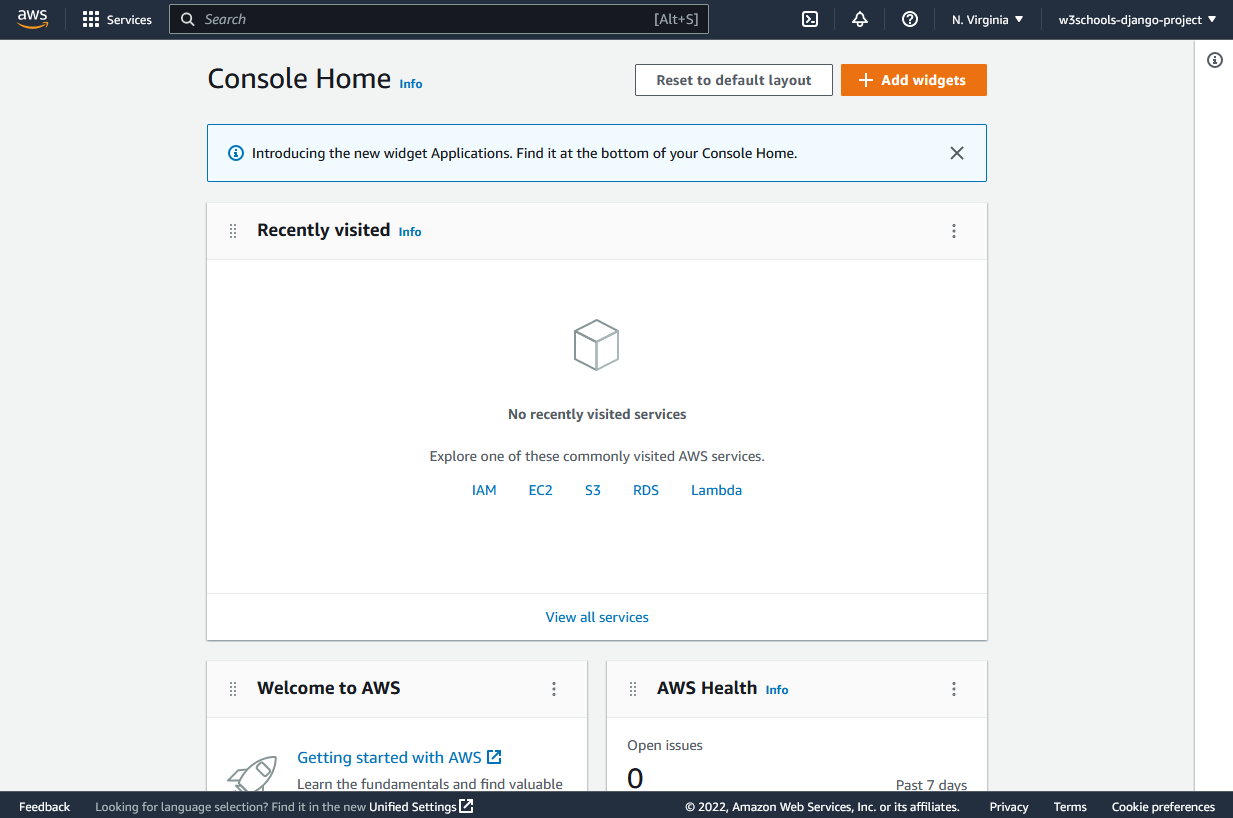
If this is your first time you sign into your AWS account, you will be directed to the AWS Console Home page:
Add the RDS Service
Once you have an AWS account, you can start creating a database.
We will use a database service at AWS, called RDS.
In the search field, search for "RDS", and click to start the service:
Once the service has started, you should see something like this:
In the next chapter we will create the PostgreSQL database.
Module quiz
Test your knowledge on this module